Back to Home

Time Flow

Employee Activity Monitoring Platform

Time Flow is an employee activity monitoring platform built by Rigved Technologies for HR teams, managers, and organizations that need clear, respectful visibility into remote and hybrid work. It uses a lightweight Windows agent and a web dashboard to automatically track application usage, website visits, active/idle time, screenshots, and videos — without manual reviews or spreadsheets. Time Flow helps organizations measure productivity fairly, protect company data, and support high performers — with transparency and control, not guesswork.

Request DemoVisit

Workforce Visibility

Time Flow delivers automated monitoring, fair productivity insights, and centralized control for remote and hybrid teams.

0+

Core Monitoring Capabilities

0%

Automated Activity Tracking

0/7

Live Dashboard Visibility

0

Centralized Admin Dashboard

Features & Capabilities

Comprehensive employee activity monitoring — from productivity mapping and live visibility to data protection and task tracking.
User Productive Mapping
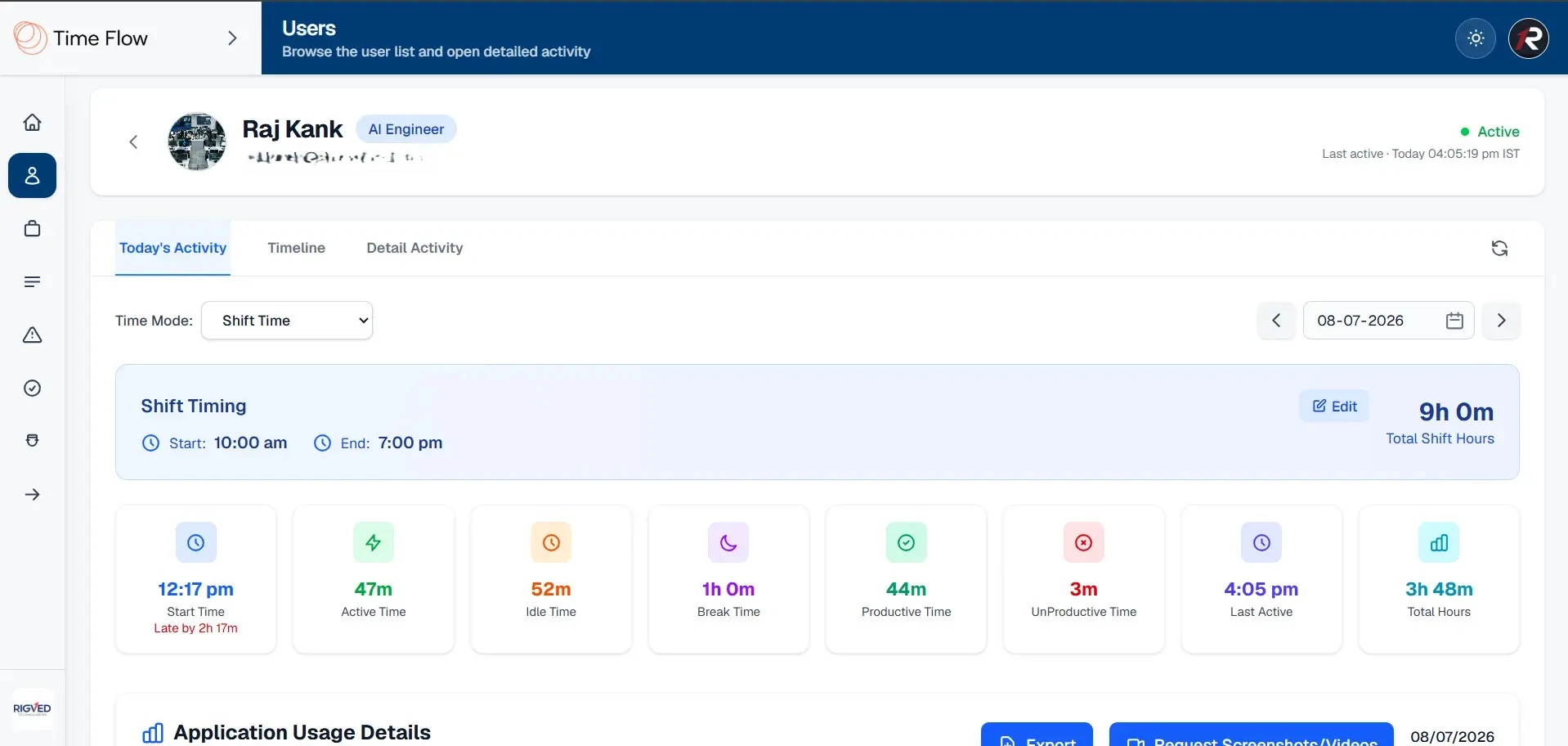
Tracks how each employee spends their workday and turns raw activity into clear productivity metrics — including active time, idle time, break and lunch sessions, productive and unproductive time, and last activity timestamps.
Active, idle, break, productive, and unproductive time in one view
Last activity timestamp so admins can see who is active now
Auto Screenshot & Videos (Sensitive Screen Protection)
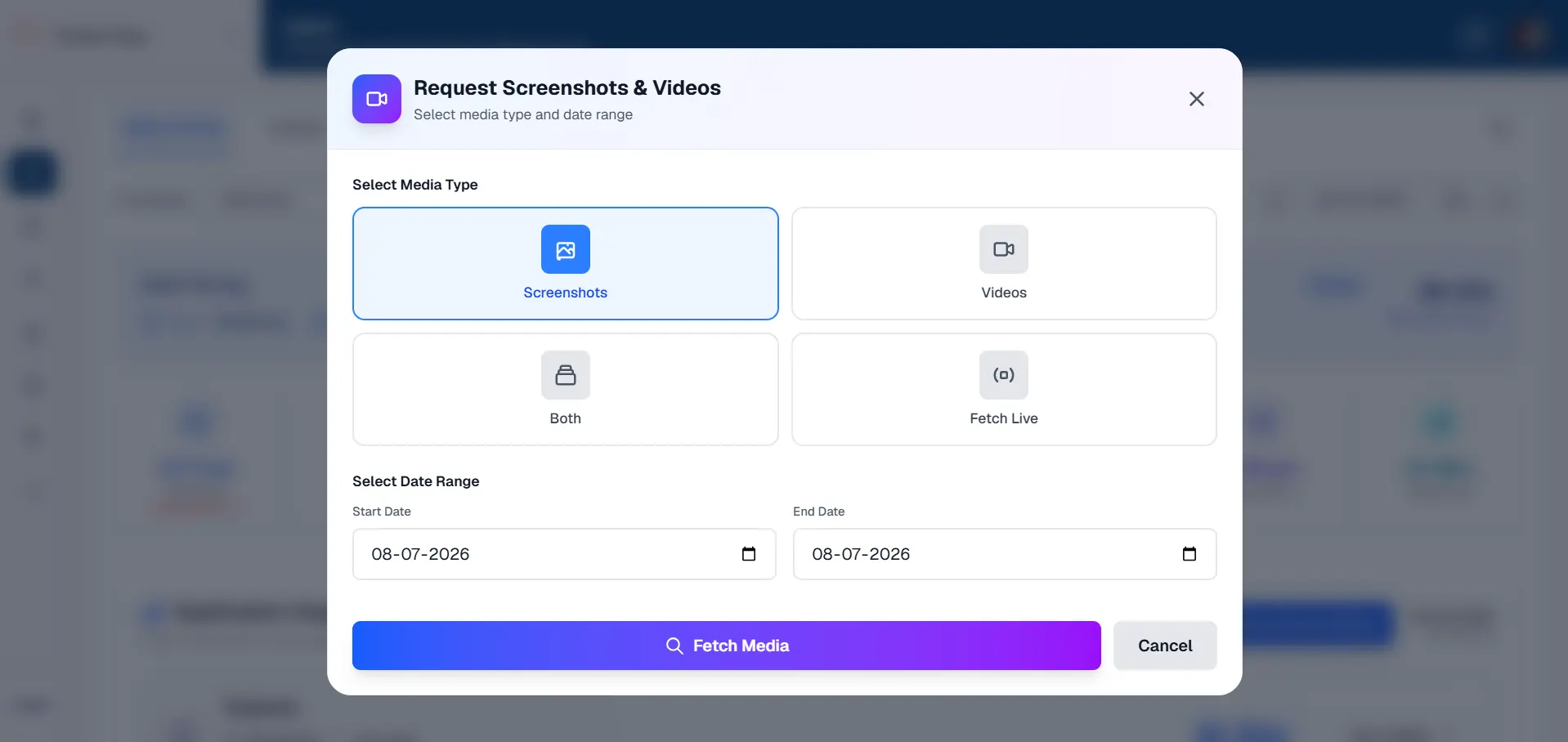
Captures visual proof of work automatically without manual effort. Screenshots and short videos are taken at admin-configured intervals during active sessions, with intervals, duration, and enable/disable set per user or in bulk.
Sensitive screen protection skips capture when passwords or banking content is detected
All captured media is stored and viewable from the admin dashboard for review or export
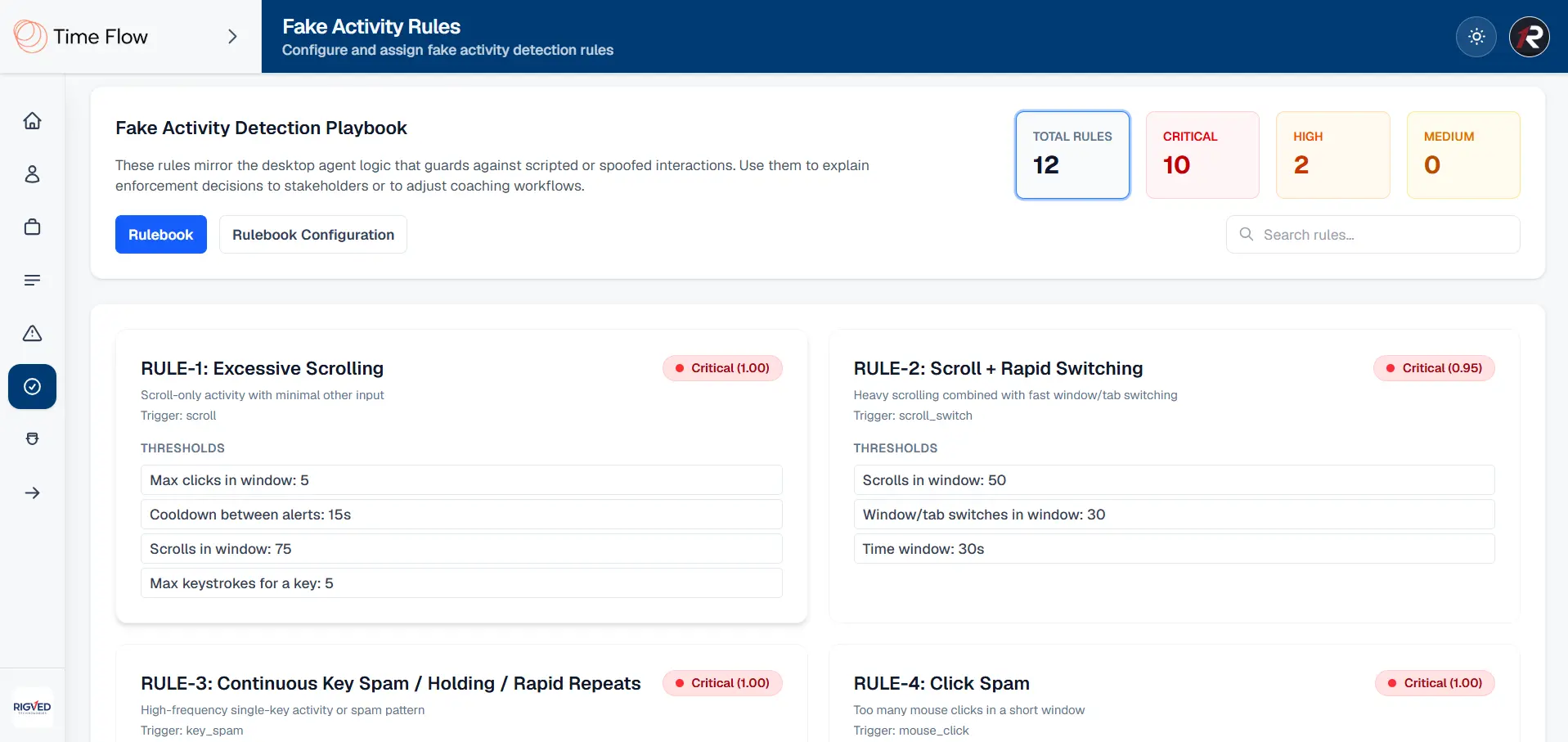
Fake Activity Detection
Identifies when someone is simulating work instead of doing real work. Monitors keystroke and input patterns to spot scripted or artificial activity such as mouse movers and auto-clickers.
Flags suspicious behavior and raises alerts with duration, user, and window context
Configurable rules per organization to match your policies for fair investigation
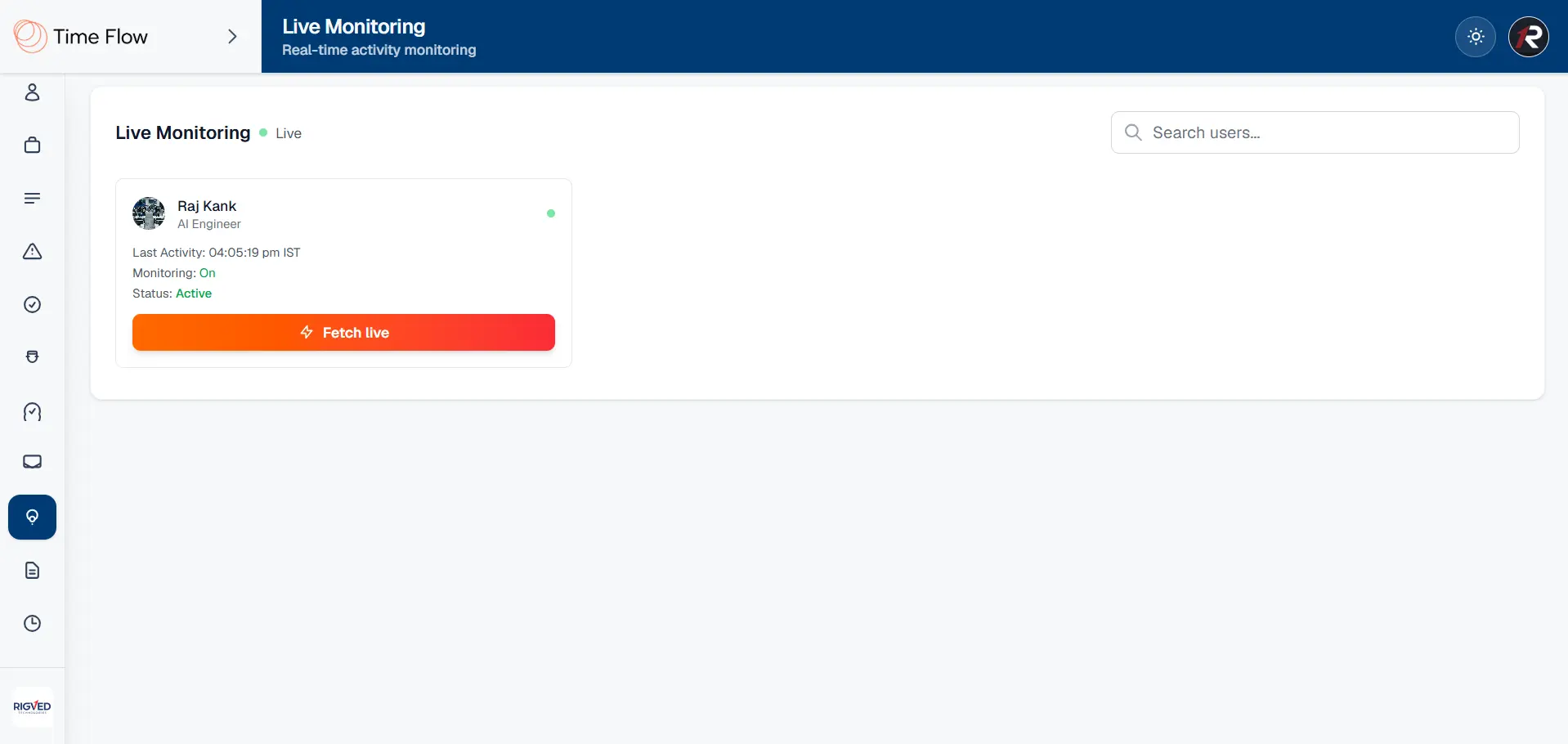
Live Monitoring
Live Monitoring
Gives real-time visibility into who is working right now. Shows which users are currently active based on live activity and shift windows, with on-demand live screenshot or video requests.
Real-time dashboard updates via SignalR so visibility stays current
Extra OTP protection when viewing sensitive live content
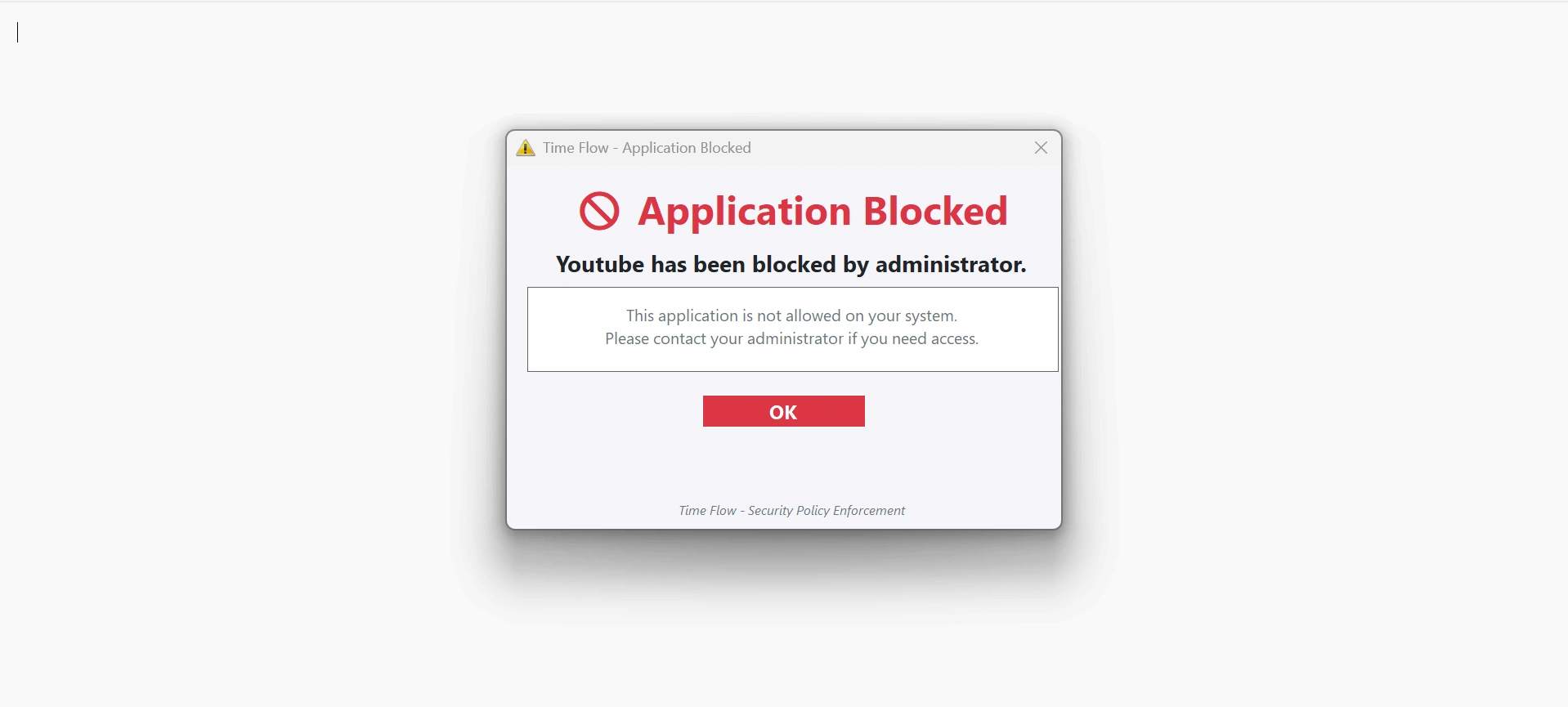
Application Blocking
Stops employees from using apps that hurt productivity during work hours. Admins define productive and unproductive applications per user, and unproductive apps are automatically blocked on the employee's Windows machine.
Users are notified when a blocked app is opened
Helps teams stay focused without constant manual supervision
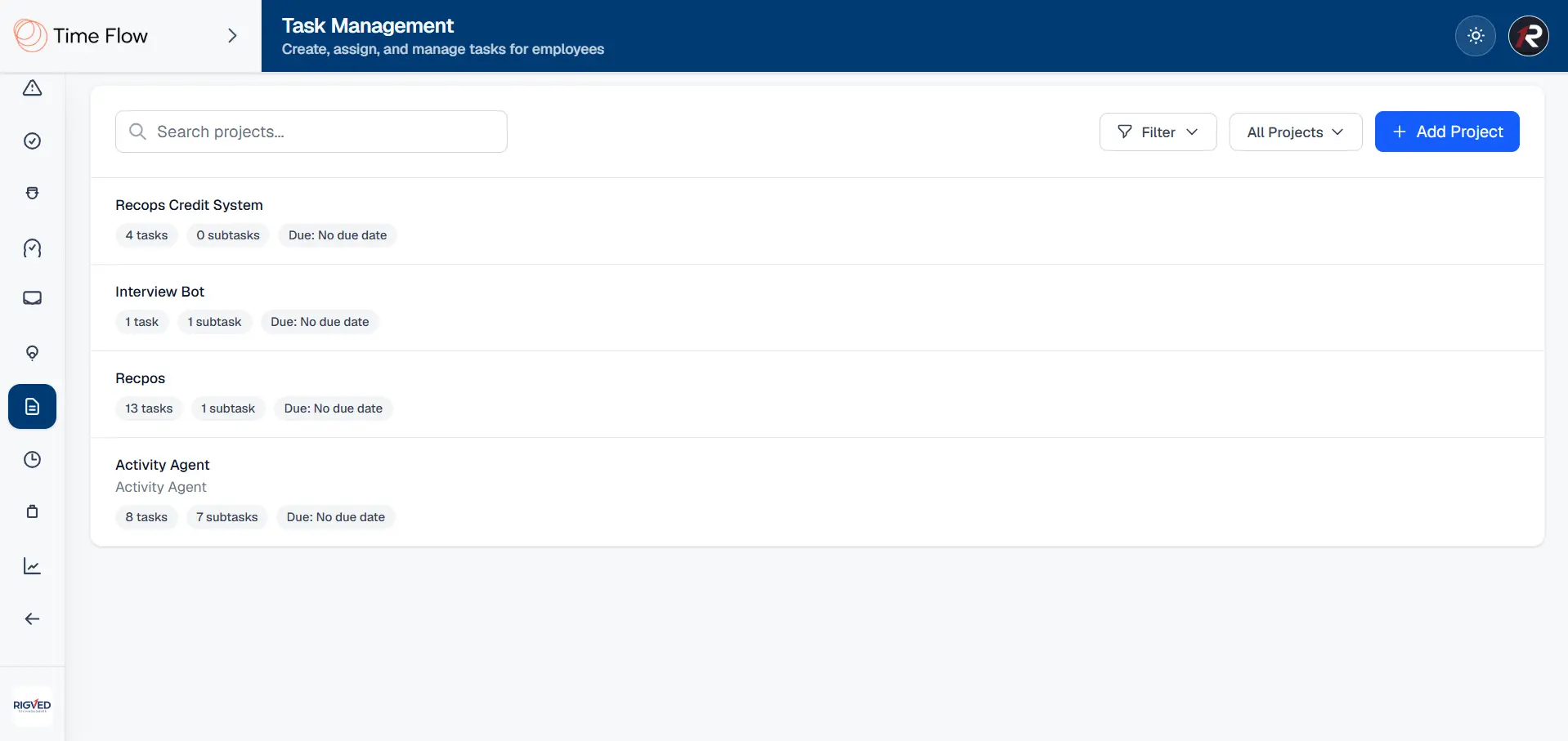
Task Management
Task Management
Built-in project and task tracking linked to your monitoring setup. Create projects and tasks, assign them to one or multiple users, and set priority, status, and subtasks for structured work tracking.
Time logged against tasks so work effort is measurable
Available on both admin and employee dashboards based on role permissions
USB Detection
USB Detection
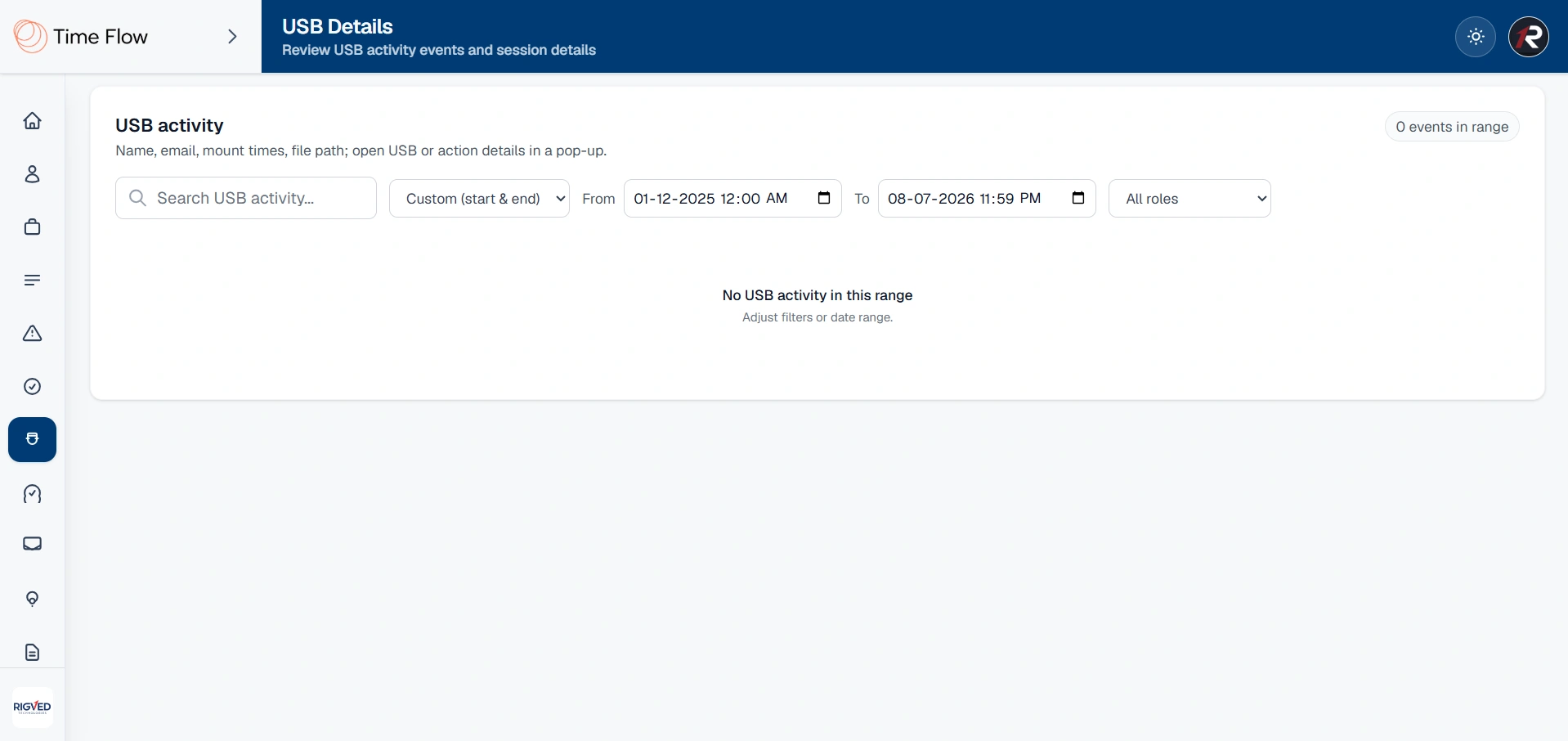
Monitors USB device activity to reduce data theft and unauthorized file transfers. Tracks when USB devices are connected and file events occur on the employee machine, with logs including user and timestamp details.
Admins review all USB events from the USB Details section in the dashboard
Helps protect company data from unauthorized external storage use
Call Detection
Call Detection
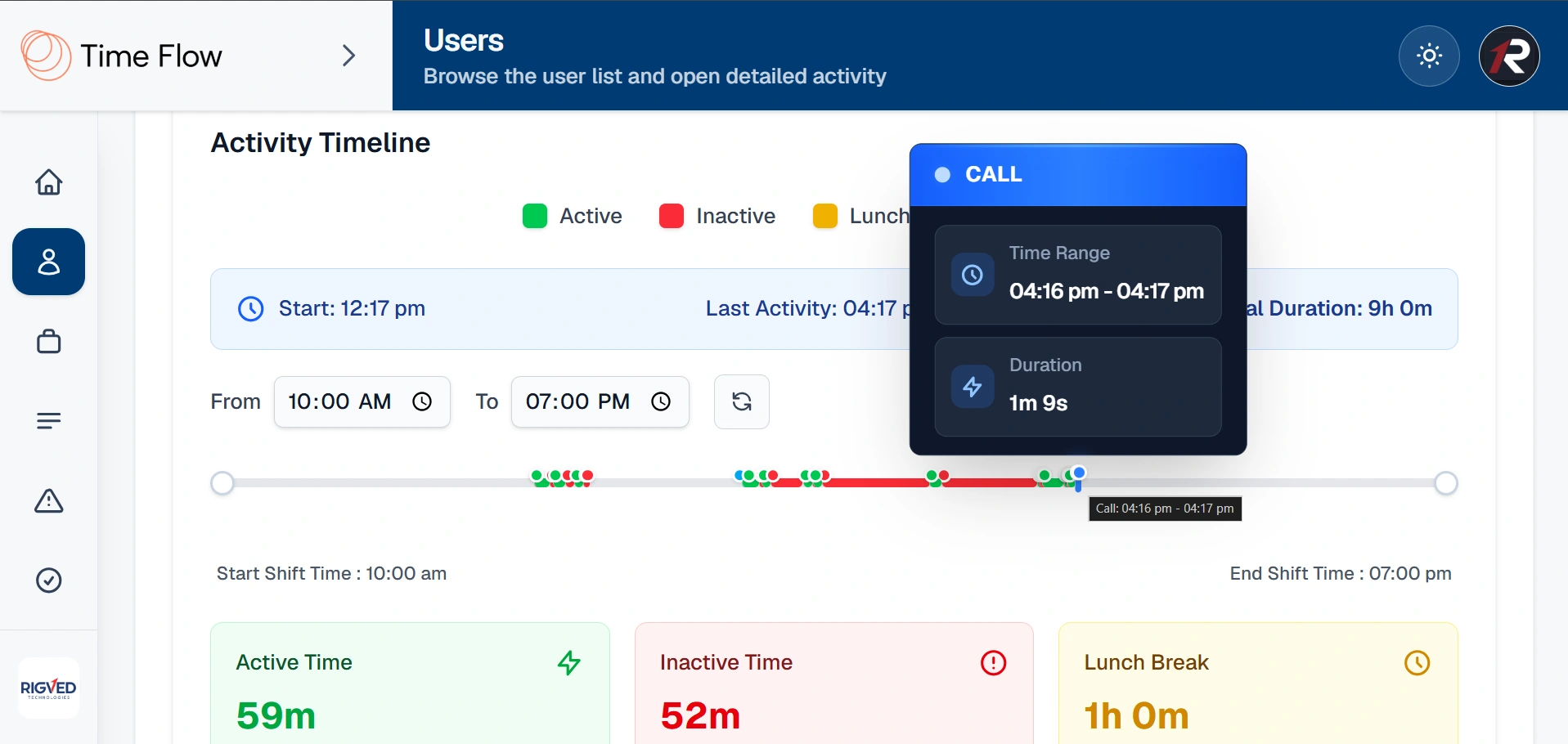
Recognizes when an employee is on a call so meeting time is reflected accurately. Detects active calls such as Microsoft Teams on the user's machine and shows in-call status on the admin dashboard in real time.
Call start and end events recorded in the activity timeline
Prevents call time from being wrongly counted as idle or unproductive time
Application & Website Visits Tracking
Full visibility into what apps and websites employees use during work. Tracks desktop applications with window title and app name, and browser tabs with page title and URL via the Chrome extension.
Every switch logged with precise timestamps for a complete activity trail
Feeds directly into productive/unproductive mapping and application usage reports

Business Benefits

Measure productivity fairly, protect company data, and support high performers with respectful, automated visibility.

Fair Productivity Measurement

Map each workday into productive and unproductive time with clear metrics — transparency and control, not guesswork.

No Manual Reviews or Spreadsheets

A lightweight Windows agent and web dashboard automate tracking of apps, websites, activity, screenshots, and videos.

Protect Company Data

USB monitoring, fake activity detection, and application blocking help safeguard data and reduce unauthorized usage.

Real-Time Visibility When Needed

Live monitoring with SignalR updates and on-demand captures gives managers visibility without micromanagement.

Centralized Admin Control

Configure monitoring rules, manage tasks, set role-based permissions, and export reports from one dashboard.

Respectful Remote & Hybrid Monitoring

Sensitive screen protection and configurable policies balance organizational visibility with employee privacy.

Ready to Monitor Work with Clarity?

Experience automated employee activity monitoring with Time Flow. Get productive mapping, live visibility, and centralized admin control — all from one platform built for remote and hybrid teams.

Schedule DemoView All Products
9819223260
Contact Email